Was this article helpful?
17 people found this helpful
For easier searches, use the categories catalog to select the category you are interested in and browse the forms related to it. All categories and subcategories are listed in alphabetical order and comprise every state-specific form available on the website, making it easy to find the one you need.
How to use the categories catalog
Open the catalog page. You will see the list of states.
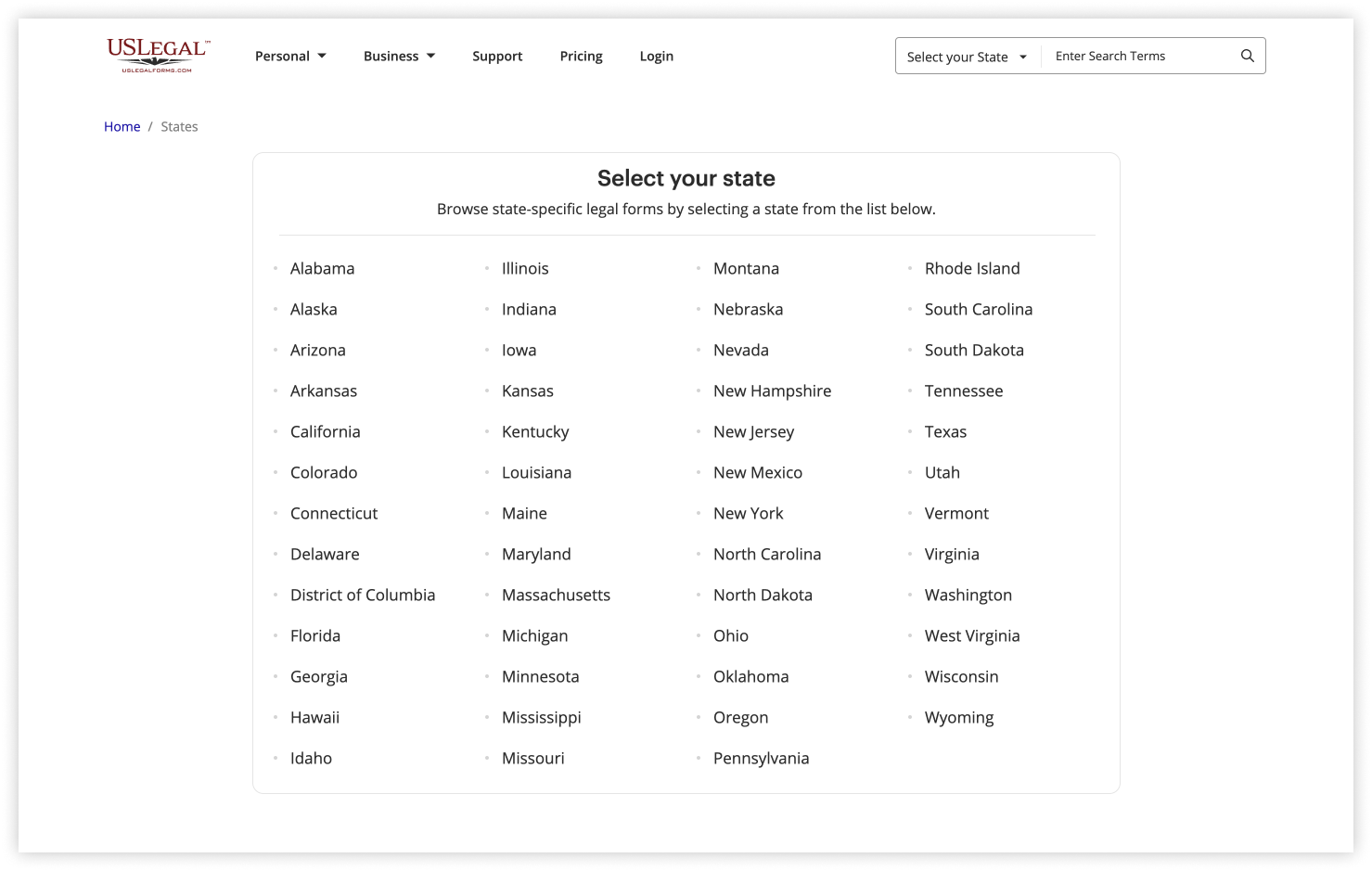
Select your state to view categories with state-specific forms.
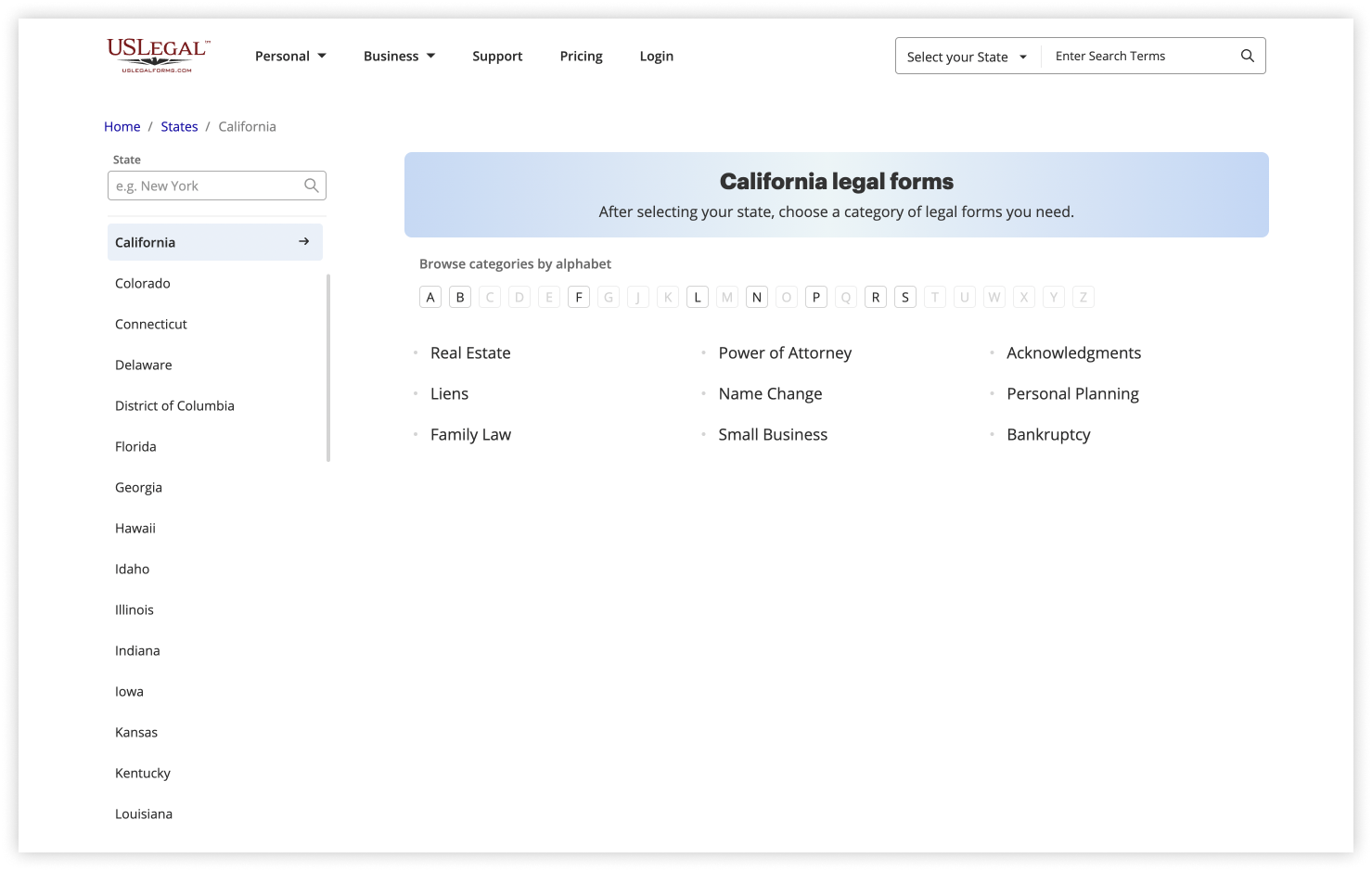
Select the category you are interested in, e.g., Real Estate.
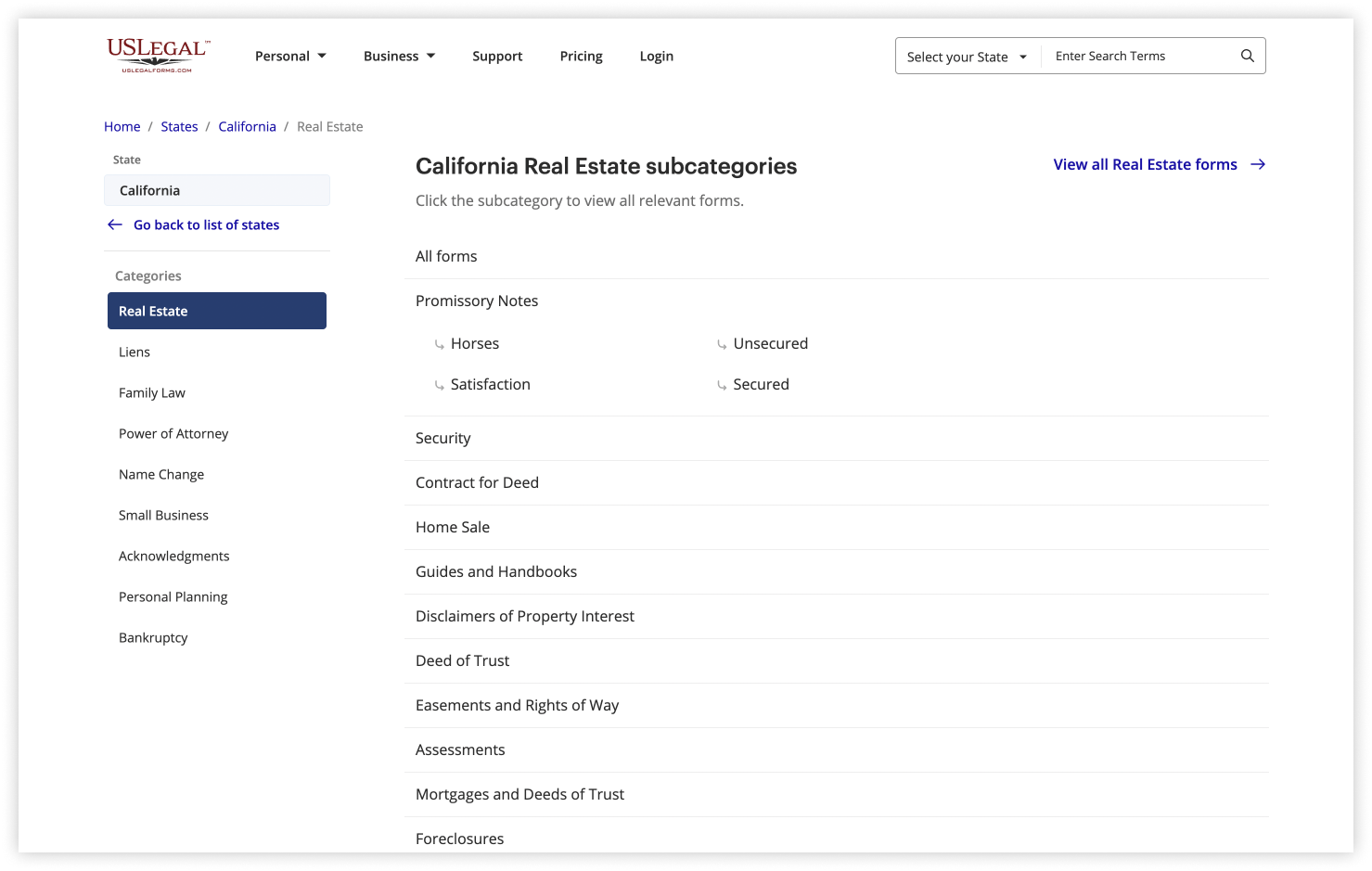
Click All forms to view the list of forms and subcategories, or select a subcategory to view only specific results.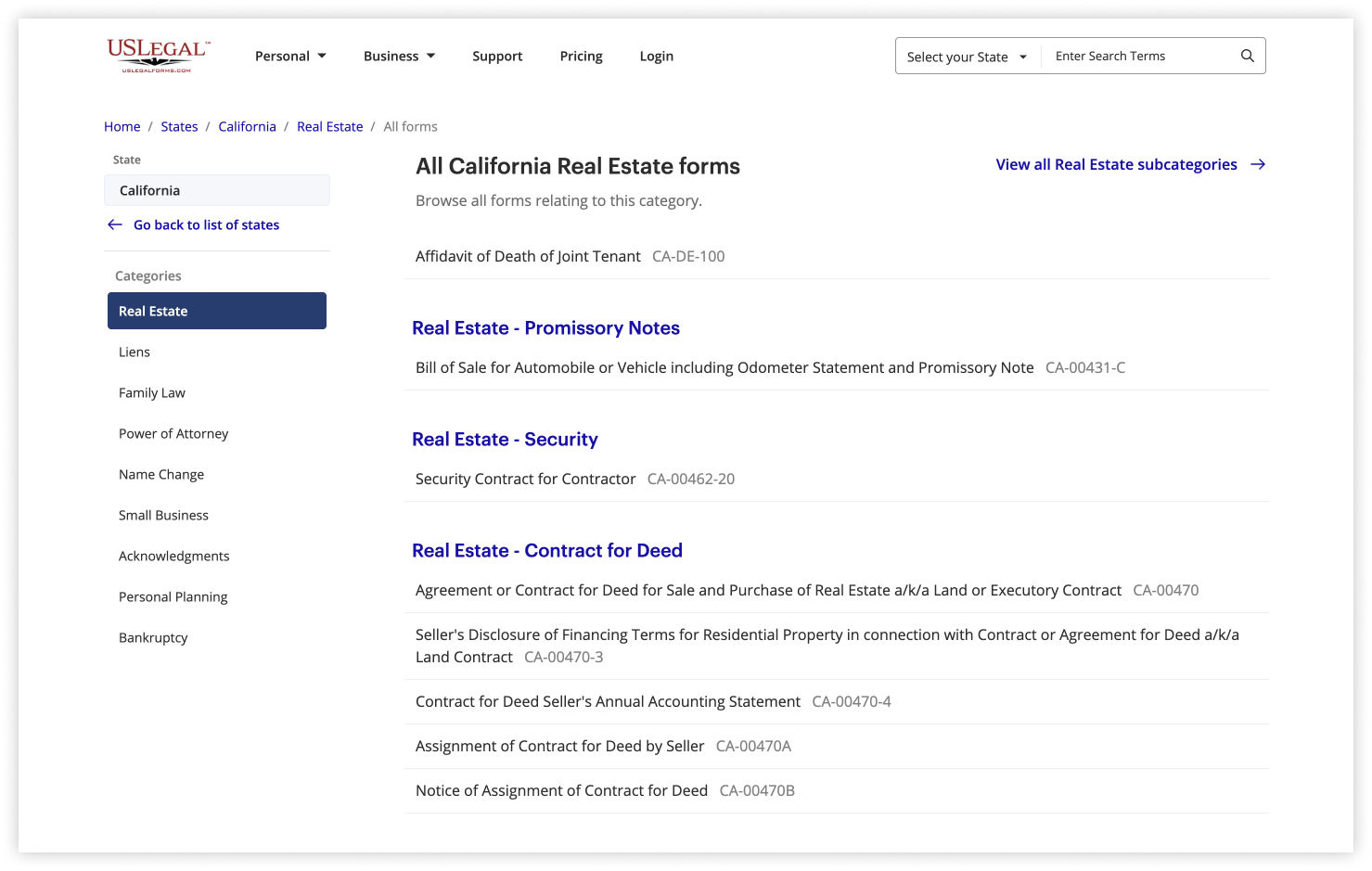
Browse the forms and click on the one you are looking for.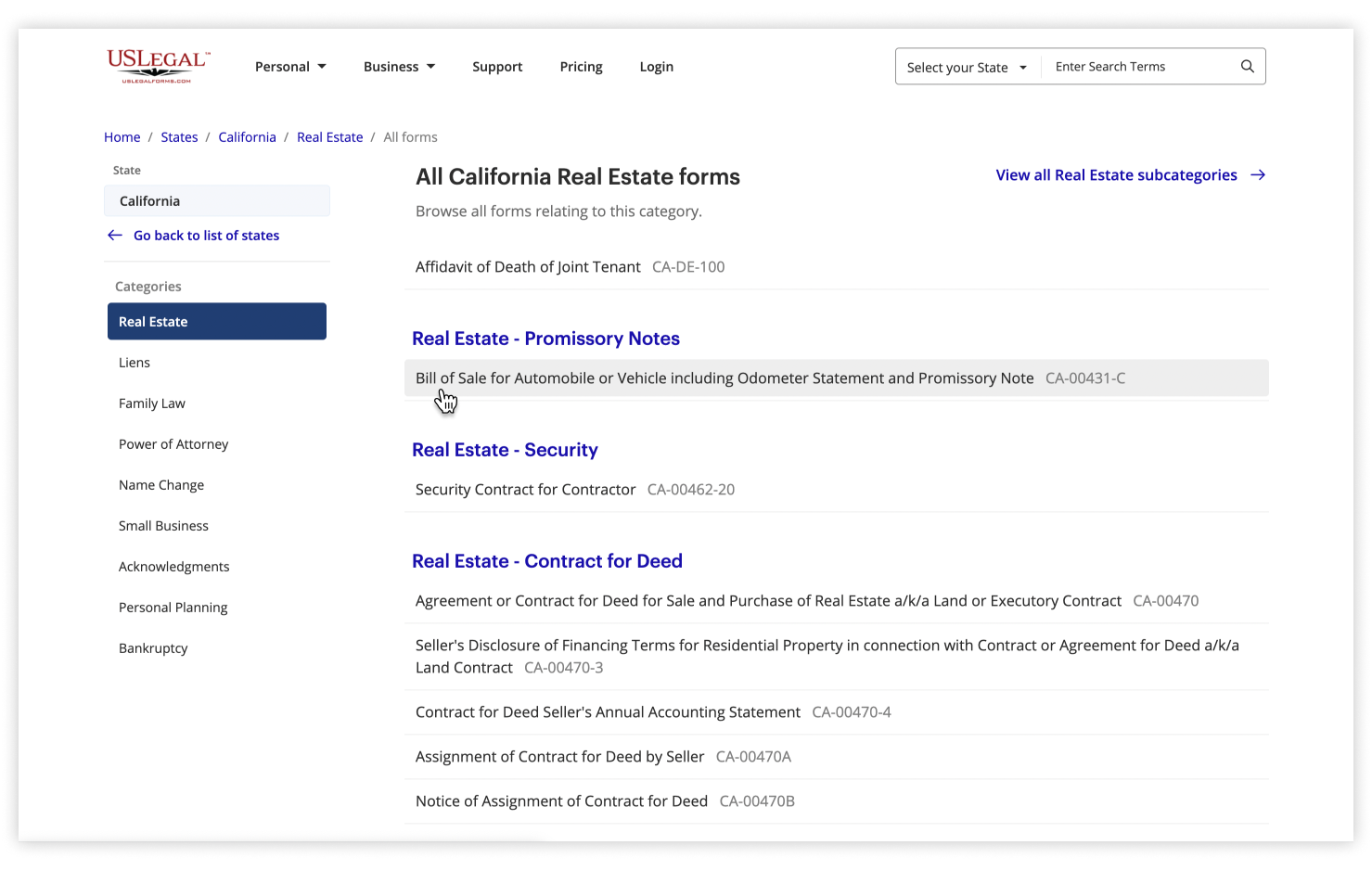
Check the form’s description and preview its content to make sure it is the right one.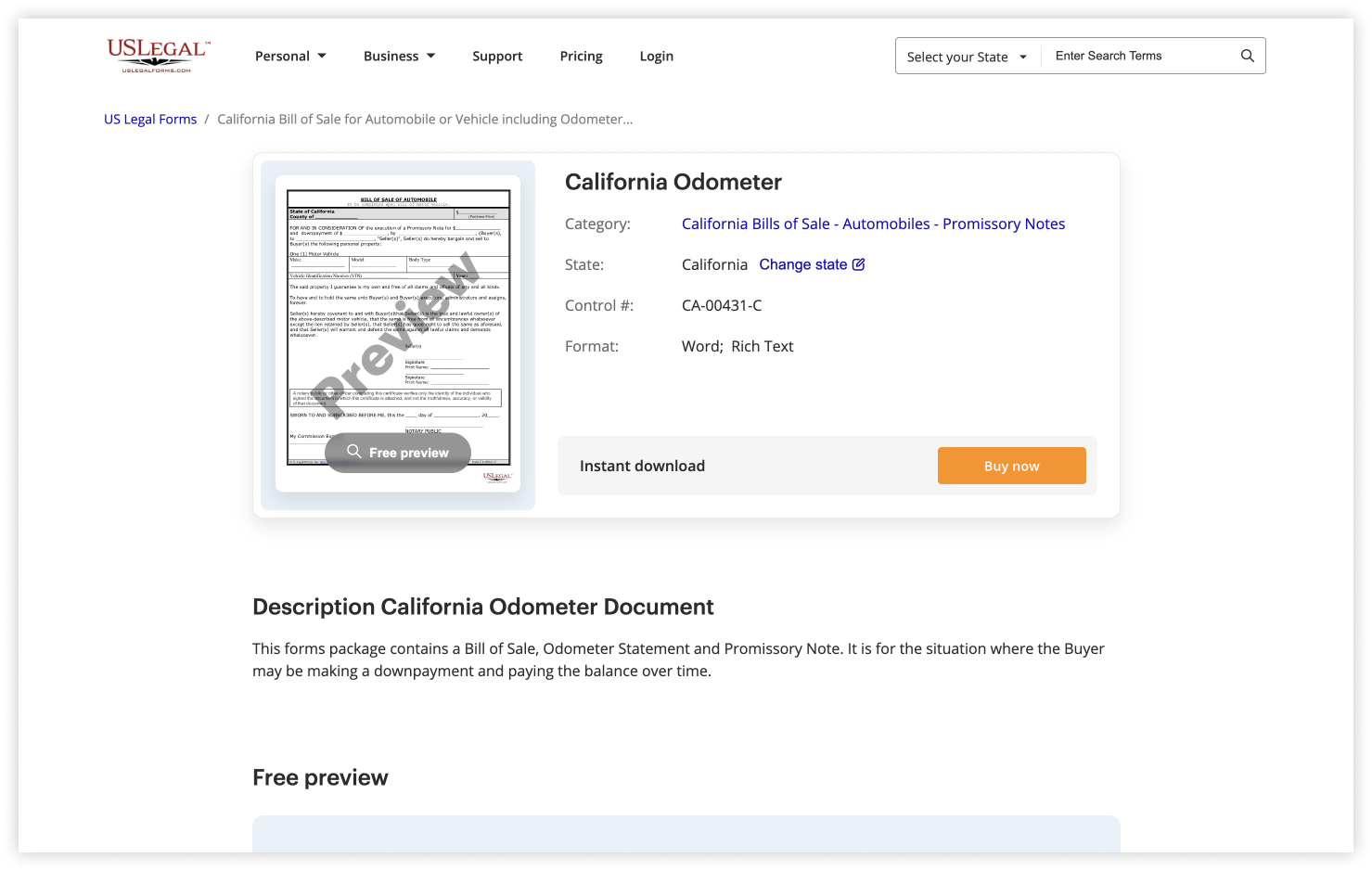
Click Buy now to purchase the form.
The categories catalog offers a convenient way to search for state-specific templates on the website.
You can also select your state in the upper right corner of the page and enter the name of the required form to search for it.
Was this article helpful?
17 people found this helpful